From Design Intent to Working Components
-
 Moe Hachem
 - March 31, 2026
Most teams solve visual consistency the same way: they rely on developers remembering the design decisions, or they schedule periodic design reviews to catch drift, or they invest in a design system that slowly falls out of sync with the code. All three approaches treat consistency as a discipline problem. Something to be enforced through attention and effort.
The approach described here treats it differently. Consistency is a context problem. When an AI agent produces inconsistent UI, it’s not because it lacks taste — it’s because it lacks the structured context to make the right decision without guessing. Give it that context in the right form, and consistency becomes a procedural output rather than something you have to police.
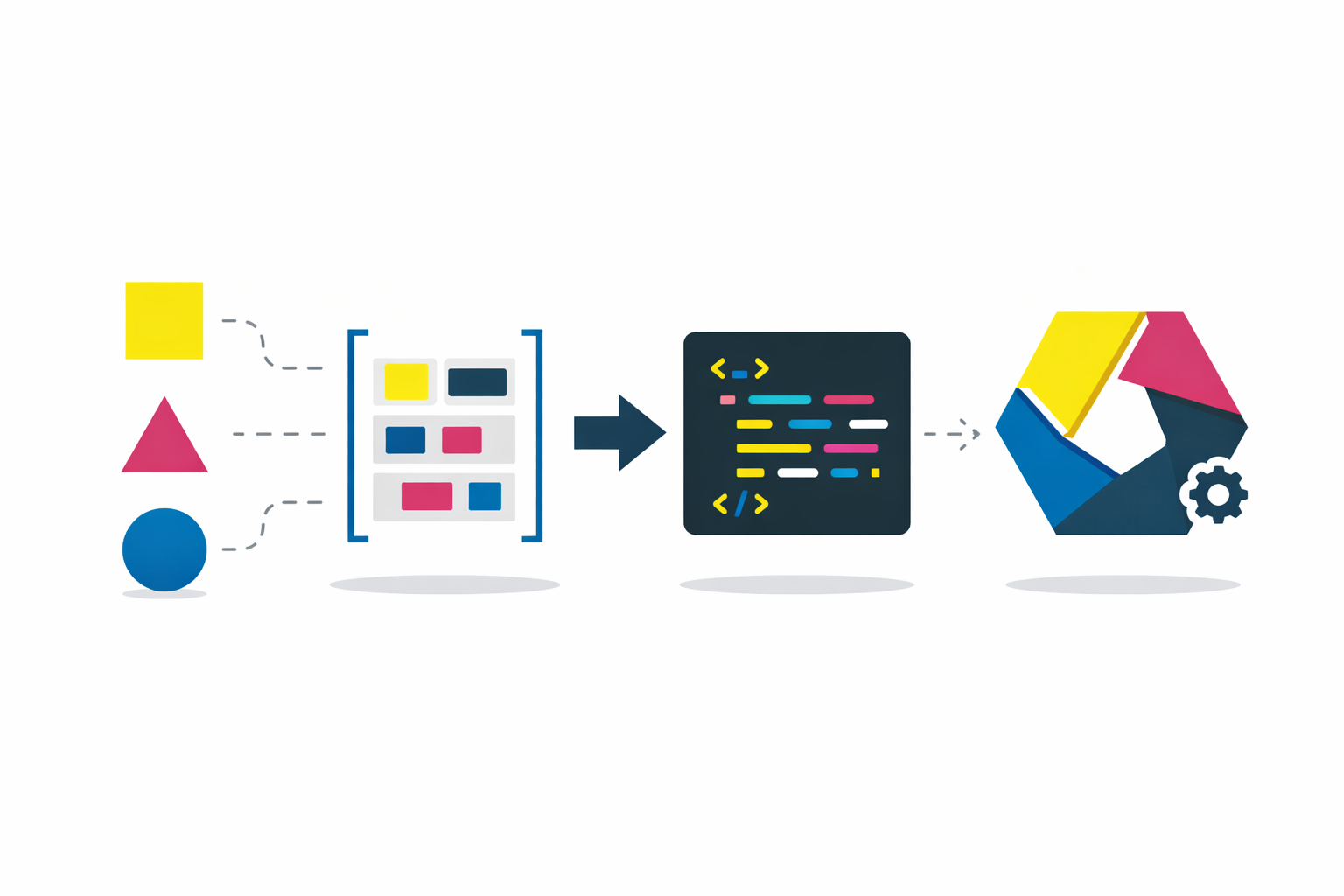
The mechanism is a system of two indexes: a design JSON that encodes visual intent, and a component index that encodes structural composition. Both are shallow indexes — lightweight, directional, consulted before the agent acts. The underlying principle (indexing decisions externally so agents can retrieve and apply them rather than reconstruct from scratch) is explored in depth in the SR-SI white paper. This article stays focused on the practical implementation: how to build these indexes, how to apply them, and how to keep them current through a pipeline of specialized agents. The full agent specification files, schema references, and brief templates are available as a downloadable resource if you want to go straight to implementation.
The Starting Point: Design Decisions Need to Be Made Explicit
Before anything can be systematized, the design decisions have to exist somewhere in a form the system can use. This is true regardless of where the design intent comes from — an external agency, your own style guide, an existing brand you’re applying to a product context, or a visual identity you’re building from scratch.
The goal is not a full design system. A full design system specifies every component in every state. That’s valuable but expensive, and it breaks the moment the code diverges from the spec — which it always does. The goal here is narrower: a design DNA package that captures the rules, the palette, and the intent, and lets the system infer the applications.
The distinction is important. A design system tells you what a disabled button looks like. Design DNA gives you the rule — disabled means 40% opacity, cursor not-allowed, no state changes — and lets the system apply that rule to every interactive element consistently, including ones the designer never explicitly specced.
The Design JSON — A Shallow Index for Visual Intent
The design JSON is the first of the two indexes. Its job is to make every visual decision machine-readable: not just the value, but the intent behind it and the rules for applying it. An agent reading this file should be able to answer “what goes here?” without guessing.
Colors: value, purpose, location, rationale
Every color needs four things attached: its hex value in light and dark mode, its purpose (what it does), its location (where in the UI it lives), and its rationale (why it was chosen). The rationale is the piece most handoffs omit — and it’s what allows the system to apply the same logic to components that were never explicitly designed.
#1E293B :: {
  purpose: "Primary sidebar background",
  where: "Side navigation container, settings panel background",
  why: "Dark neutral that recedes visually, lets content area dominate.
        Chosen over pure black to maintain depth without harshness.",
  light_mode: "#F8FAFC",
  dark_mode: "#1E293B"
}
Every color family needs a full 50–950 scale, annotated by intended use. Without the scale, the system has to guess derivatives — hover states, disabled tints, background washes. With the scale, every derivative is predetermined.
brand-50:   #F0F9FF   (lightest tint — backgrounds, hover surfaces)
brand-100:  #E0F2FE   (light backgrounds, selected states)
brand-200:  #BAE6FD   (borders on light backgrounds)
brand-300:  #7DD3FC   (secondary accents)
brand-400:  #38BDF8   (icons, decorative elements)
brand-500:  #0EA5E9   (primary brand — buttons, links)
brand-600:  #0284C7   (hover on primary elements)
brand-700:  #0369A1   (active/pressed states)
brand-800:  #075985   (high-contrast text on light backgrounds)
brand-900:  #0C4A6E   (headings, emphasis)
brand-950:  #082F49   (darkest — dark mode surfaces)
Surface tokens: roles, not components
The key abstraction that keeps the design JSON tractable is surface roles. Instead of speccing each component individually, you name the role each color plays in the visual hierarchy. The same surface token applies across many components. Name it once, apply it everywhere.
bg-surface-page          (overall page background)
bg-surface-card          (elevated content containers)
bg-surface-card-nested   (card-within-card, secondary elevation)
bg-sidenav               (side navigation container)
bg-header                (top bar background)
border-surface-card      (card border, both modes)
border-divider           (section dividers, rule lines)
text-on-surface          (body text on card surfaces)
text-on-surface-muted    (secondary/helper text)
text-on-sidenav          (nav item text in default state)
text-on-sidenav-active   (active nav item text)
Notice what’s not here: button states, input variants, interactive behaviors. Those come from transformation rules, not per-component specs.
State rules: once, not per component
Universal transformation rules replace per-component state specs. One rule set, applied by inference to every interactive element.
hover:    Surface lightens 8% (light mode) / darkens 8% (dark mode).
          Border shifts to one shade more prominent.

focus:    2px ring in brand-300, 2px offset. Always visible.
          WCAG 2.0 compliant. Never suppressed.

active:   Surface darkens 12% from default.
          Transition: 100ms ease.

disabled: Opacity 40% on the element.
          Cursor: not-allowed. No state changes on interaction.
The design source defines the rules. The system infers the applications. This is the leverage point — a minimal spec, scaled by reasoning.
The aesthetic description
The design JSON also includes a qualitative description of the visual language — not a list of values but a narrative. This becomes the system’s fallback context for decisions not explicitly covered in the token maps.
It should answer: what is the overall visual personality? How does whitespace work? What creates depth — shadows, borders, background shifts? Are interactions snappy or smooth? Is the typography authoritative or approachable?
When the agent encounters an ambiguous edge case, it falls back to this description rather than guessing.
Building the design JSON: extraction then enrichment
The design DNA doesn’t become the design JSON automatically. The Intake Agent runs it through structured passes — and crucially, it starts with a conflict audit before touching anything.
Pass 0 — Conflict Audit (blocking gate). Before extraction begins, the agent scans the existing codebase for naming conflicts: existing Tailwind keys, CSS custom properties, token families already in use. Any incoming token that collides with an existing name gets flagged. Hard conflicts halt extraction until a human resolves them. This prevents the new design DNA from silently overwriting conventions the codebase already depends on.
Pass 1 — Extraction (deterministic). Parse every design decision from the source materials into structured data. Every hex value, every surface role name, every rule. Nothing invented — if it exists in the source, it gets captured; if it doesn’t, it doesn’t get added. For designs with both light and dark modes, cross-reference the two to validate every surface has a counterpart. Output: a flat token list where every entry is a provable fact.
Pass 2 — Enrichment (inferential). Annotate each token with a machine-readable usage instruction. Every annotation must be grounded in evidence from the source — the system doesn’t invent usage patterns. For each token: locate it in the example screens, confirm against the surface annotations, write an instruction covering scope, constraints, and rationale. Output: the enriched design JSON.
The schema for each token entry:
| Field | Description | Example |
|---|---|---|
token_id | Surface-role identifier | bg-surface-card |
value_light | Hex value in light mode | #FFFFFF |
value_dark | Hex value in dark mode | #1E1E2E |
category | Token category | surface · text · border · spacing · type · state · shadow |
usage_instruction | When and where to apply — written for the agent | ”Use for elevated content containers above page background. Not for modals or overlays.” |
component_scope | Which component types this applies to | card, panel, data-table-container |
state_context | Applicable state transformations | hover: +8% lightness · focus: ring brand-300 |
design_rationale | Why this decision was made | ”Neutral white surface creates clear separation without adding visual weight.” |
evidence_source | Which screen or annotation proves this usage | Dashboard screen, card containers |
Then a human audit. The enrichment pass produces good output. The audit makes it trustworthy enough to be deterministic. Review the inferred instructions grouped by semantic category — not token by token, but by function. A token inferred as a card surface that’s actually used as a modal overlay will cause silent, hard-to-trace inconsistency in everything built downstream. The audit catches this before it gets encoded.
Once audited and committed, the JSON becomes the source of truth. Every agent that builds UI reads it before writing styled components. Consistency is enforced at generation time, not reviewed after the fact.
The CSS token file — design DNA in code
The design JSON has a direct companion: a CSS token file that expresses the same semantic decisions as custom properties, and a Tailwind extension that maps those custom properties to utility classes. Same naming conventions, same surface roles, same usage semantics — just in the form the codebase actually consumes. This is the design DNA rendered in code.
/* Generated from enriched.json — do not edit manually */
:root {
  --bg-surface-card: #FFFFFF;
  --bg-surface-card-nested: #F8FAFC;
  --bg-sidenav: #F1F5F9;
  --bg-header: #FFFFFF;
  --border-surface-card: #E2E8F0;
  --text-on-surface: #0F172A;
  --text-on-surface-muted: #64748B;
}
.dark {
  --bg-surface-card: #1E1E2E;
  --bg-surface-card-nested: #16162A;
  --bg-sidenav: #0F0F1A;
  /* ... */
}
These files — the JSON, the CSS, and the Tailwind extension — are generated together and committed together. The JSON is what the agent reasons from. The CSS and extension are what the code applies. None of them get edited manually after generation.
The Prerequisite Nobody Talks About — Knowing What You Have
Here’s where most design-to-code pipelines skip a step and pay for it later. Before you can restructure or restyle anything, you need an honest picture of what currently exists across your codebase. If you’re working on a single product with a clean, young codebase, this is quick. If you’re working across multiple products, or inheriting a codebase with years of accumulated components, this step is non-negotiable.
The Census Agent runs between the Intake and the Atomizer. Its job is to answer: what components exist across all the products in scope, are there duplicates that should be merged, and what’s the migration path for each?
What the Census produces
The Census scans the codebase according to a declared scope manifest — a file that explicitly lists which product roots and directories to include. The scope manifest exists so you can constrain the blast radius deliberately rather than having the agent make assumptions about what’s in play.
From that scan it produces three things. First, a per-product component inventory: every component tallied with its inferred atomic level, perceived function, and where it’s used. Second, a deterministic duplicate scoring table: pairs of components that appear to do the same thing, scored by name similarity, API signature match, structural match, and behavioral contract match. These scores are boolean flags — not opinions, just signals. A human reviews the flagged pairs and makes the merge decision. Third, a migration status ledger: every component gets a status (UNASSESSED, MAPPED, IN_PROGRESS, MIGRATED, BLOCKED, EXCEPTION, VERIFIED) that tracks its path from the current state to the canonical target.
The Census gates the Atomizer. The Atomizer cannot run until Census explicitly reports CENSUS_STATUS: READY_FOR_ATOMIZER. This is a hard dependency — mapping a structure you haven’t inventoried first produces a map of assumptions, not reality.
Atomic Readiness — The Other Prerequisite
With the Census complete and the design JSON in hand, the next prerequisite is structural: the codebase needs to be coherent before tokens can be applied to it.
If a component is a haphazard collection of nested elements with no clear structural identity, the agent has no frame of reference for what token belongs where. You cannot apply a finish to one sixth of a furniture piece without knowing which piece it belongs to.
Atomic readiness means every component in the codebase has a defined level in a clear hierarchy:
- Atoms: the smallest indivisible elements. A button. An input. A badge. One file, one responsibility.
- Molecules: groups of atoms functioning as a unit. A search bar (input + button + icon). A form field (label + input + helper text).
- Organisms: larger compositions forming a distinct UI section. A sidebar. A data table. A card with header, body, and actions.
- Templates: page-level layouts defining where organisms sit.
An agent operating in this hierarchy knows what level it’s at before it starts. It composes from what exists rather than building from scratch.
The Atomizer — diagnosis before remediation, always
Before restructuring anything, the Atomizer produces a diagnosis: which components violate atomic principles, which elements have no reuse path, where abstraction layers are missing. This is a read-only pass — an audit, not a fix.
Hard gate. Remediation does not begin until the diagnosis is reviewed and accepted. Mapping a broken structure produces a map of chaos. The gate exists to prevent encoding the wrong thing.
After the gate: remediation restructures components to follow atomic hierarchy. No new functionality — only structural clarity. Then mapping: the Atomizer produces the initial component index, registering every component with its level, purpose, composition, and context.
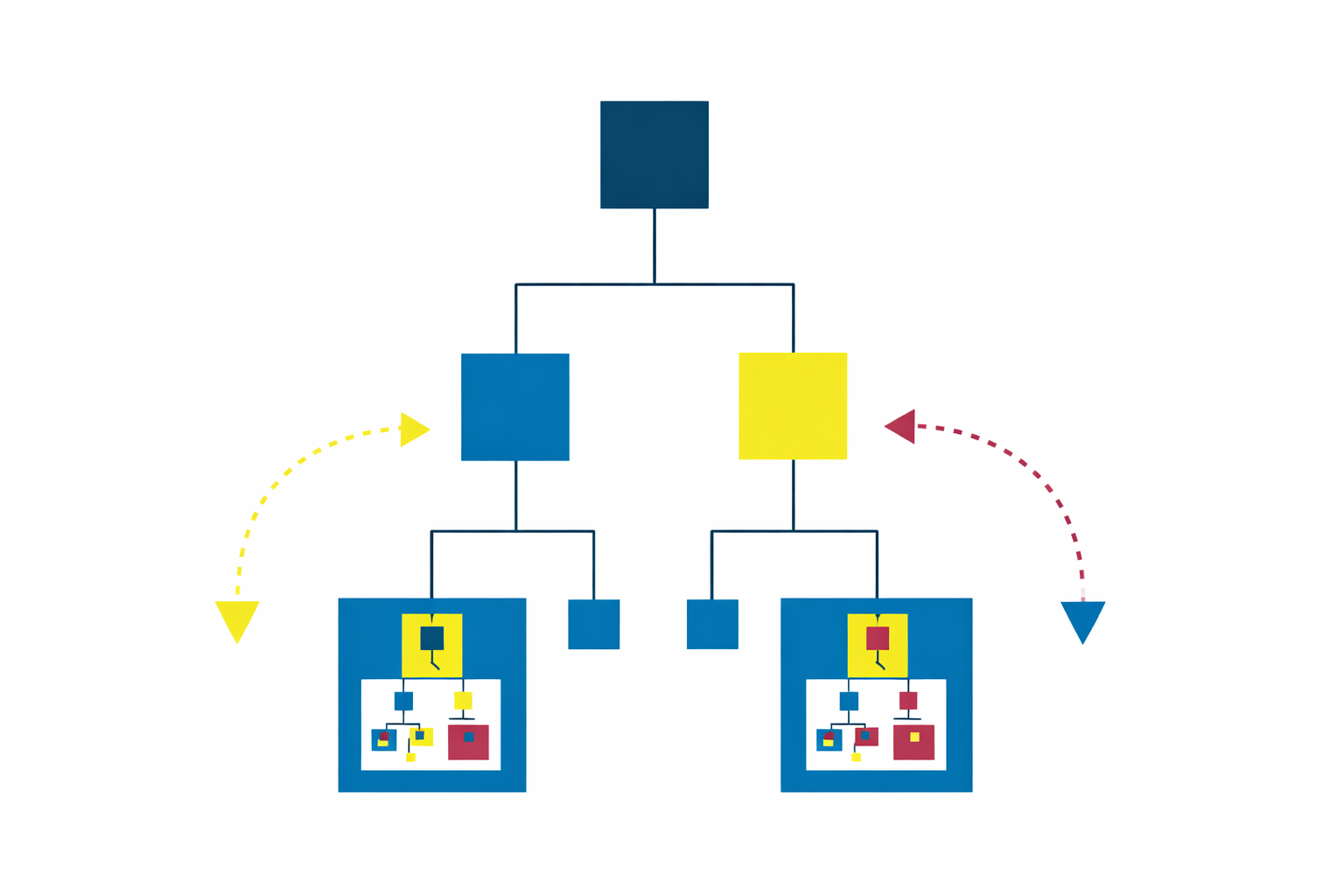
The Component Index — A Shallow Index for Structural Composition
The component index is the structural counterpart to the design JSON. Where the JSON answers “what does it look like,” the index answers “what exists and how do I build with it.”
Like the design JSON, it’s a shallow index — minimal, directional, consulted before the agent acts. Not exhaustive documentation. Enough context to act correctly.
Every entry:
{
  "component_id": "search-bar",
  "level": "molecule",
  "file_path": "components/molecules/SearchBar/SearchBar.svelte",

  "purpose": "Inline search input for filtering visible content. Not for global search.",

  "usage_rules": [
    "Use for in-page filtering of tables, lists, or grids.",
    "Do not use for global search — that is a separate component.",
    "Always include a clear/reset action when a query is active.",
    "Debounce input 300ms before triggering filter."
  ],

  "composed_of": ["input-field", "button-ghost", "icon"],
  "used_in": ["data-table-header", "sidebar-nav", "content-filter-bar"],

  "design_tokens": {
    "references": ["bg-surface-card", "border-surface-card", "text-on-surface"]
  },

  "variants": ["default", "compact", "with-filters"],
  "instance_count": 7,
  "products": ["product-a", "product-b"],
  "dark_mode": "fully supported — token-driven, no overrides needed"
}
composed_of points downward — what this component is built from.
used_in points upward — where this component appears.
These two directions together let the agent traverse the component tree in either direction: downward to find atoms it needs, upward to understand the blast radius of a change.
Ownership is strict. The Atomizer owns structural writes — new entries, composition graphs, level assignments. The Curator owns telemetry writes — instance counts, product distribution. No other agent or process touches the index directly.
Context co-located with the code
Every component file carries a structured comment block at the top that mirrors the index entry. This is intentional redundancy — the agent may be reading the file directly during an edit, not consulting the index. The context needs to be locally available.
<!--
  @component SearchBar
  @level molecule
  @purpose Inline search input for filtering visible content. Not for global search.
  @usage Tables/lists/grids. Include clear action. Debounce 300ms.
  @composed_of input-field, button-ghost, icon
  @used_in data-table-header, sidebar-nav, content-filter-bar
  @variants default | compact | with-filters
  @tokens bg-surface-card, border-surface-card, text-on-surface
-->
This isn’t documentation. It’s a mandatory context layer for agents — formatted for machine legibility, present at the point of action.
Applying the Tokens: The Aesthetic Pass
With the design JSON and the component index both established, the UI Builder agent runs a single pass across all components replacing existing styling with the correct tokens. It processes bottom-up: atoms first, then molecules, then organisms, then templates. This ensures that when it reaches a molecule, its constituent atoms have already been restyled.
One absolute constraint governs this pass: zero functionality changes. This pass is purely aesthetic. Class names and style values get replaced. Props, logic, state management, event handlers, and component structure are untouched. Any change that touches functionality is flagged, not made.
The UI Builder also runs a targeted drift scan before mutation — counting raw hex values, arbitrary spacing values, hardcoded default palette classes — and flags anything it can’t resolve with confidence. The threshold is explicit: above 90% confidence, it replaces. Below 90%, it flags for human review. A wrong token is worse than a hardcoded value.
Human QA: Storybook as the Review Surface
After the aesthetic pass, a manual review phase catches what automated replacement cannot. Storybook is the right surface — it lets you see every component at every level of the atomic hierarchy without navigating the live product. Check an atom in isolation. Then the molecule it belongs to. Then the organism that contains the molecule. The hierarchy makes review tractable.
This is also where functionality changes are permitted if a component’s logic needs adjustment to support the new design correctly. With the full component map established, every change is traceable. The audit also validates the index: do the composition relationships reflect reality? Do usage instructions match what components actually do?
Ongoing Operation: Building New Features
Once the pipeline is established, the operating model is the same for every new feature request. Before writing anything, the agent consults the two indexes.
The lookup sequence:
- Does this component already exist in the index? Use it.
- Does a close variant exist? Use the variant, or create a new one and register it.
- Can this be composed from existing atoms and molecules? Compose it and register it.
- Is this genuinely new? Create it following the same rules — and register it.
Consulting the index before acting is the enforced first step, not an optional one. An agent that skips this step and reasons from scratch produces drift.
Tracking one-offs
Not every new component belongs in the shared library immediately. One-offs — components needed in exactly one place, highly context-specific — get created in-page. But they don’t disappear into the codebase untracked.
The Atomizer stamps a data-cid attribute on the root element of every one-off at creation time. This is the tracking thread.
<div data-cid="cid-settings-audio-mixer" class="...">
  <!-- one-off component markup -->
</div>
The data-cid is committed to the source file — not derived at runtime, not regenerated on build. Stability is the requirement. A one-off that changes its ID loses its tracking history.
The Curator scans the codebase continuously, counting every data-cid occurrence and every shared component import. When a one-off appears in a second location, it surfaces as a promotion candidate — flagged for human approval, not promoted automatically. A human confirms the promotion, then the Atomizer executes: extracts to a shared file, strips the data-cid, assigns a real component ID, registers in the index, updates both usage sites. The promotion threshold is binary — one location = one-off, two or more = shared component candidate.
Knowing what a change affects
The Curator maintains a usage tally:
COMPONENT USAGE REPORT (auto-generated)
────────────────────────────────────────
button-primary          340 instances   [product-a, product-b, product-c]
input-field             285 instances   [product-a, product-b, product-c]
card                    156 instances   [product-a, product-b]
data-table               42 instances   [product-a, product-b]
────────────────────────────────────────
ONE-OFFS (tracked via data-cid)
cid-settings-audio-mixer    1 instance   [product-a]
cid-onboarding-welcome      1 instance   [product-b]
Before any token change, design update, or refactor: check the count. A change to button-primary touches 340 places. A change to a one-off touches one. The blast radius is visible before the decision is made.
Governance: Keeping the System Honest Over Time
A pipeline with multiple agents, multiple report artifacts, and multiple stages accumulates its own complexity over time. Reports go stale. Findings from one stage don’t get carried into the next. Issues get addressed in one run and silently reappear in the next.
The Postmortem Governor exists to prevent this. It’s a standing governance agent that runs after each stage, not as part of the build process but as a checkpoint on the process itself.
Every stage agent produces a report. Every report must include a structured post-mortem: what went well, what could be improved, prioritized issues tagged by severity (P0 blocking, P1 high-impact, P2 optimization). The Governor reads these reports, archives them with immutable timestamps, and maintains a finding tracker — a ledger where every issue has a lifecycle (OPEN, ADDRESSED, VERIFIED, DEFERRED).
Before any stage runs, the agent checks the tracker for unresolved findings from its previous runs. This creates continuity: issues don’t get silently dropped between executions. The Governor also detects drift — the same blocker appearing across consecutive runs, P0 counts rising, findings being reopened after being marked addressed.
The net effect is that the governance layer makes the pipeline auditable. You can look at any stage at any point in time, find its archived report, trace its findings, and see their current status. Silent failure is not a valid failure mode.
The Full Pipeline
Design Intent (style guide, screens, rules)
        ↓
    Pass 0: Conflict Audit → Pass 1: Extraction → Pass 2: Enrichment → Human Audit
        ↓
    Enriched Design JSON + CSS Token File + Tailwind Extension    ← shallow index for visual intent
        ↓
    Census: Inventory → Duplicate Scoring → Migration Ledger → [CENSUS GATE]
        ↓
    Atomizer Diagnosis → [HARD GATE] → Remediation → Mapping
        ↓
    Component Index                                               ← shallow index for structural composition
        ↓
    UI Builder: Aesthetic Pass (zero functionality changes)
        ↓
    UX Audit (Storybook)
        ↓
    Feature Builder (ongoing)
    Agent consults both indexes before every build
        ↓
Atomizer (creates) ↔ Curator (tracks + flags) ↔ Postmortem Governor (governs)| Phase | Agent | Mode | What it produces |
|---|---|---|---|
| 1 | Intake | One-time | Design JSON, CSS tokens, Tailwind extension, conflict audit |
| 2 | Census | One-time per wave | Component inventory, duplicate scoring, migration ledger. Gates Atomizer. |
| 3 | Atomizer | One-time + standing | Component index, atomic structure. Ongoing component creation. |
| 4 | UI Builder | One-time | Token-styled codebase. Zero functionality changes. |
| 5 | UX Audit | Manual | Validated components, corrected index. |
| 6 | Feature Builder | Ongoing | New UI from spec, using both indexes. |
| — | Curator | Standing | Usage telemetry, one-off tracking, promotion flagging. |
| — | Postmortem Governor | Standing | Report archiving, finding lifecycle, drift detection. |
Phases 1 through 4 are one-time setup — they produce the two indexes everything else runs on. Phase 5 is the single manual gate. Phase 6 is the ongoing operating model. The Curator, Governor, and Atomizer run continuously as standing agents.
What This Actually Solves
The conventional design-to-code process treats visual consistency as something you achieve through effort — careful developers, thorough reviews, good communication between design and engineering. It degrades whenever attention lapses, which is always.
This pipeline makes visual consistency a structural property. The design DNA — the rules, the palette, the rationale — gets encoded once into a format the agent reads before acting. The component structure gets mapped once into a format the agent traverses before building. The Census ensures the map starts from reality, not assumptions. The Postmortem Governor ensures the system stays honest about its own failures over time. There is no guessing. There is no relying on the agent to remember what it was told in a previous session. The context is always there, always current, always consulted first.
When the agent produces inconsistent output, the diagnosis is clear: either the design JSON has a gap, or the component index has a gap, or both. The failure mode is a visible flag, not a silent inconsistency that looks right until you compare it to something else.
The design intent gets encoded once. The agents apply it everywhere. Consistency stops being a taste problem and becomes a procedural output.
This pipeline is part of broader ongoing work on codebase-first design tooling — where visual truth is extracted from code rather than maintained in parallel design files. The indexing principles underlying the design JSON and component index are explored in depth in the SR-SI white paper. The full agent specification files, schema references, and brief templates for this pipeline are available as a resource here.