Comprehensive redesign of the Ecomz help center
The existing Help Center was outdated and failed to provide users with the necessary support, leading to a high volume of customer queries and support tickets.
- Project lead
- UX/UI design
- Front-end development
- Design system implementation
- User experience testing
Not published
- 20% Reduction in support tickets
- 70% Faster information retrieval
- AA WCAG compliance
- Leveraged the existing design system from the Ecomz Marketing Website project to streamline delivery.
- Created a system to push self-service options, reducing reliance on customer support.
- Developed a custom FAQ section based on the Pareto Principle.
- Structured the Help Center with a shallow site map for quick navigation.
Enhancing support efficiency and user self-sufficiency through structured design and smart search.
Executive Summary
My Role
- Project lead
- UX/UI design
- Front-end development
- Design system implementation
- User experience testing
Scope
- Design and development of the Help Center
- Integration with Zendesk
- Improved accessibility
- Smart search functionality
- Consistent brand alignment
Business Problem
The existing Help Center was outdated and failed to provide users with the necessary support, leading to a high volume of customer queries and support tickets. It was also misaligned with Ecomz's new brand identity, creating a disjointed user experience that did not reflect the company's values or visual aesthetics.
User Problem
Users found it difficult to navigate the Help Center, with poor search functionality and a lack of clear, structured information. This resulted in frustration, extended support times, and decreased satisfaction with the platform. Additionally, the absence of a cohesive design led to a lack of trust and engagement.
Project Management
Resource Coordination: Leveraged the existing design system from the Ecomz Marketing Website project to streamline the design and development. This reuse of resources allowed for rapid iteration of wireframes and a cohesive design.
Design System Implementation
I used design patterns and a material library from the previously created system to ensure consistency across the Help Center, reducing development time and maintaining brand integrity.
Workflow Optimization
Infrastructure Setup: Coordinated with customer support to establish a user-centric infrastructure. I conducted a sorting tree exercise to ensure content categorization matched user expectations and implemented multilingual support for the MENA audience.
Promoting Self-Service: Created a system to push self-service options, reducing reliance on customer support. This initiative resulted in an estimated 40% reduction in routine support calls.
Pareto Principle FAQ: Developed a custom script to generate an FAQ section based on the Pareto Principle (20% of answers address 80% of queries), overcoming platform limitations to better meet user needs.
User Research
Qualitative research revealed that our core target audience in the MENA region favored personalized in-person service, which wasn't sustainable. To bridge this gap, we identified the need for a prominent search feature, clear categorization, and simple language.
Stakeholder Identification
We defined personas focusing on small to medium-sized business owners in the MENA region. The perceived complexity of the platform was often due to a lack of structured, easy-to-find support articles rather than inherent platform difficulty.
Information Architecture
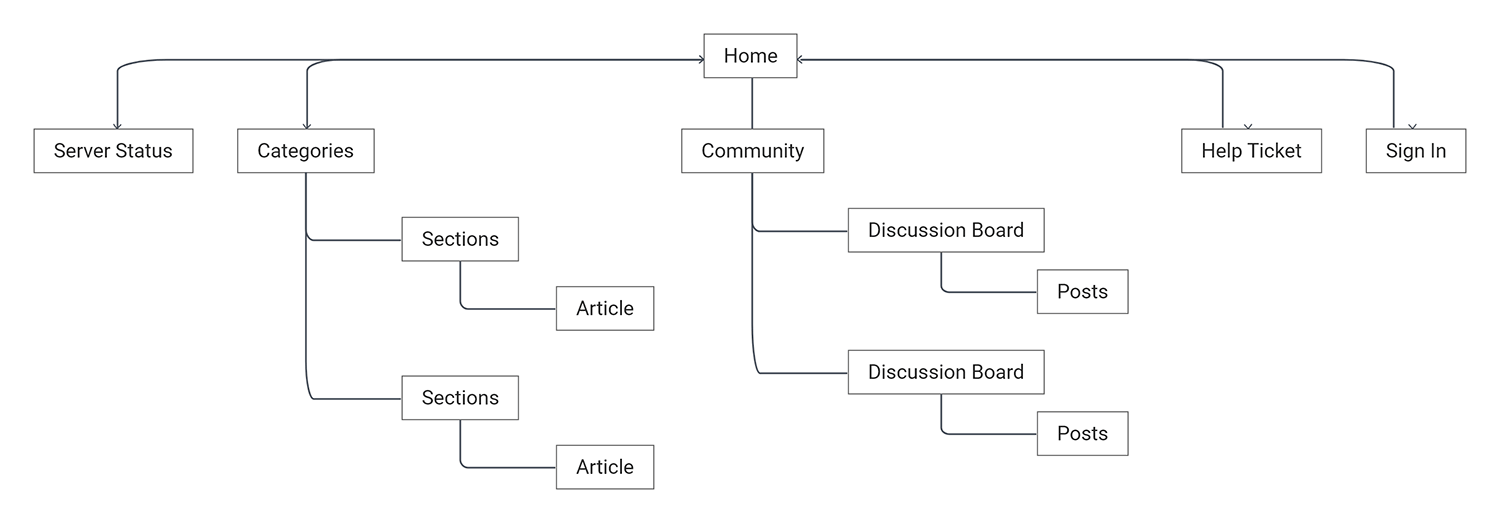
I structured the Help Center with simplicity in mind, ensuring users could quickly locate relevant information. I kept the site map shallow, focusing on surface-level navigation.
Component Design
Leveraged the marketing website's design system for consistent navigation bars, footers, and buttons, adapted to fit the context of support content.
Wireframing and Prototyping
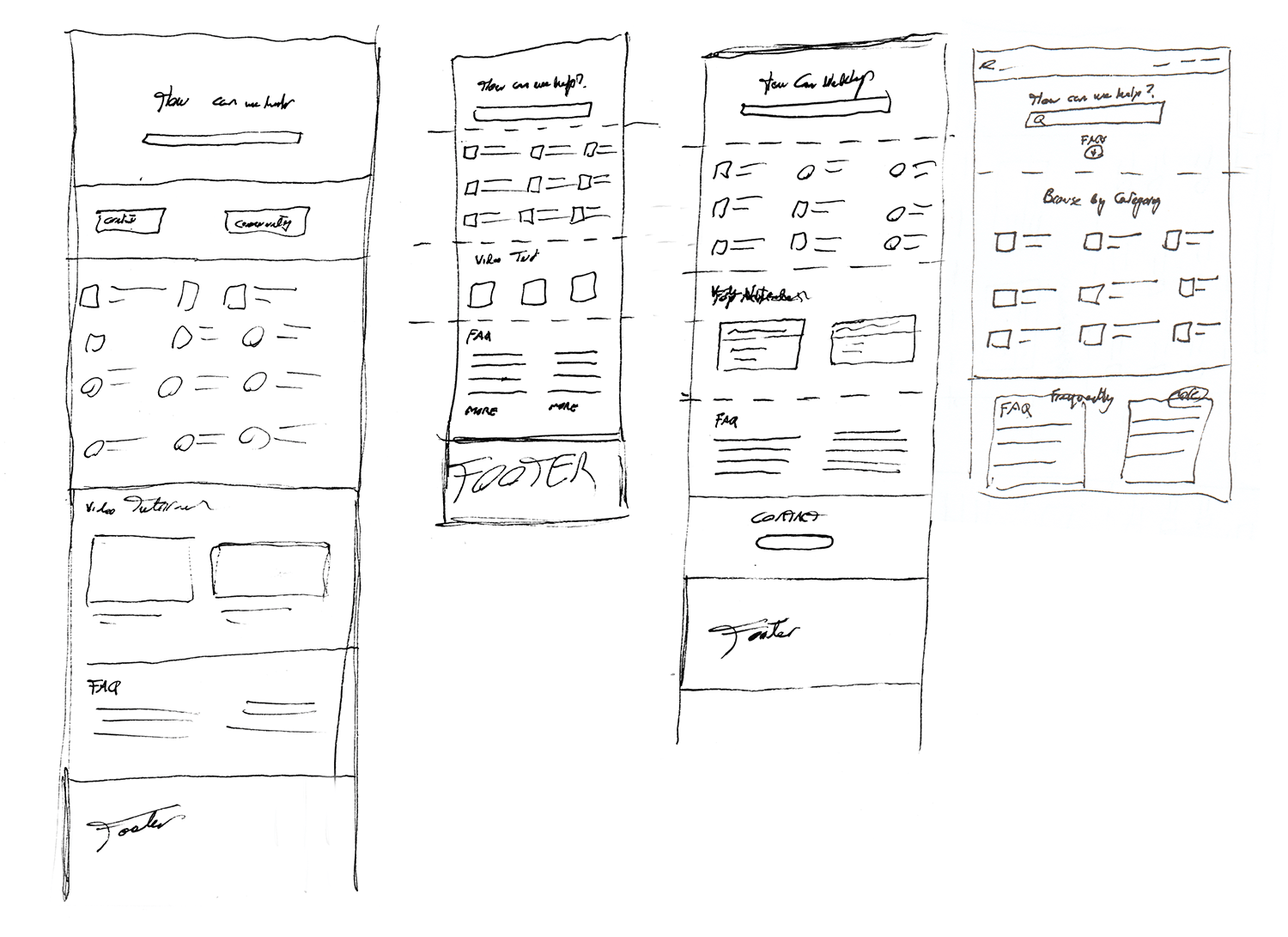
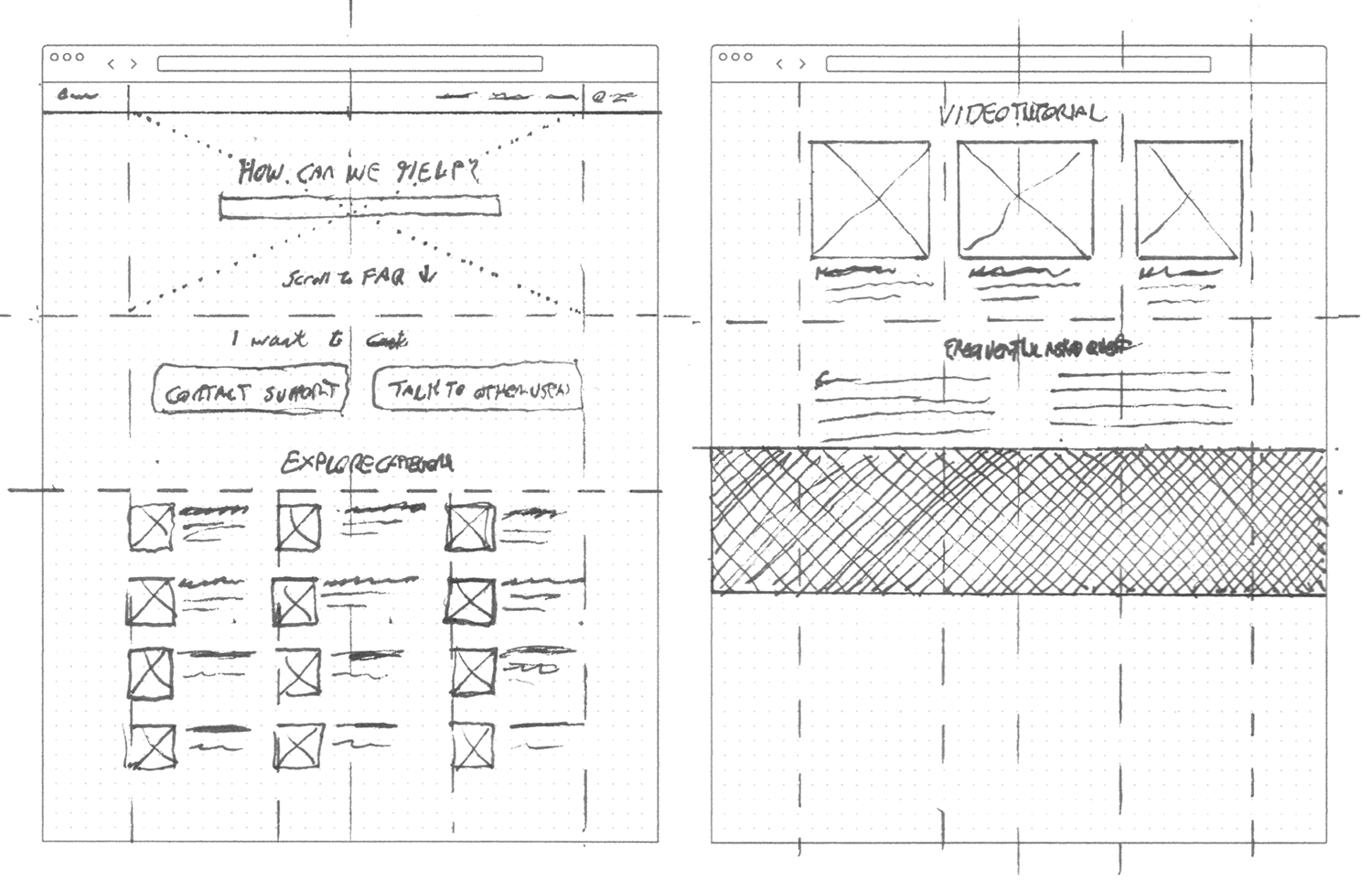
I prototyped designs and conducted concurrent usability testing with development. This unorthodox approach allowed for rapid, on-the-spot adjustments. The sessions demonstrated a 70% faster information retrieval process compared to the previous database.
Community Expansion
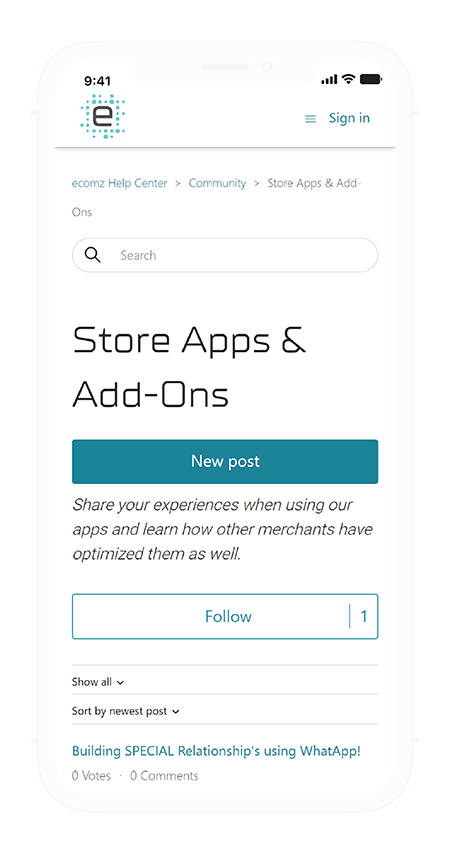
Introduced a community discussion board to encourage user engagement. This allowed users to help each other and contributed to a continuously updating knowledge base.
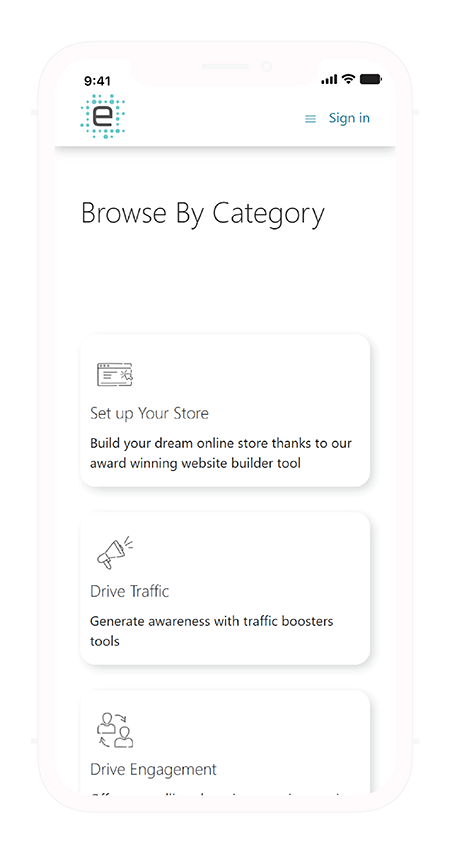
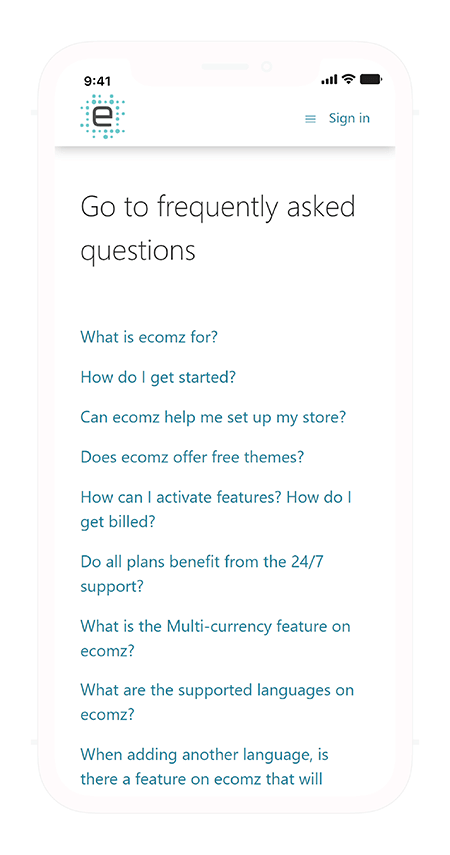
Homepage and Navigation
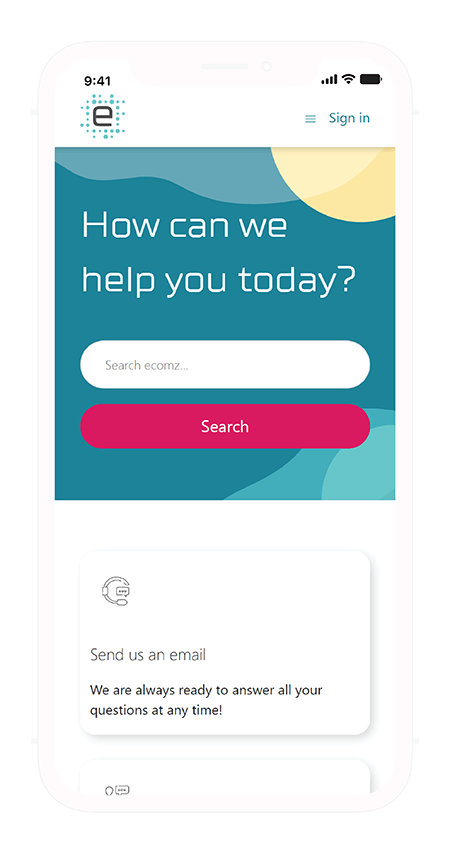
The homepage presents the search bar as the primary navigation tool to minimize time-to-answer. It also includes category selection and an FAQ section.
Desktop Navigation Walkthrough
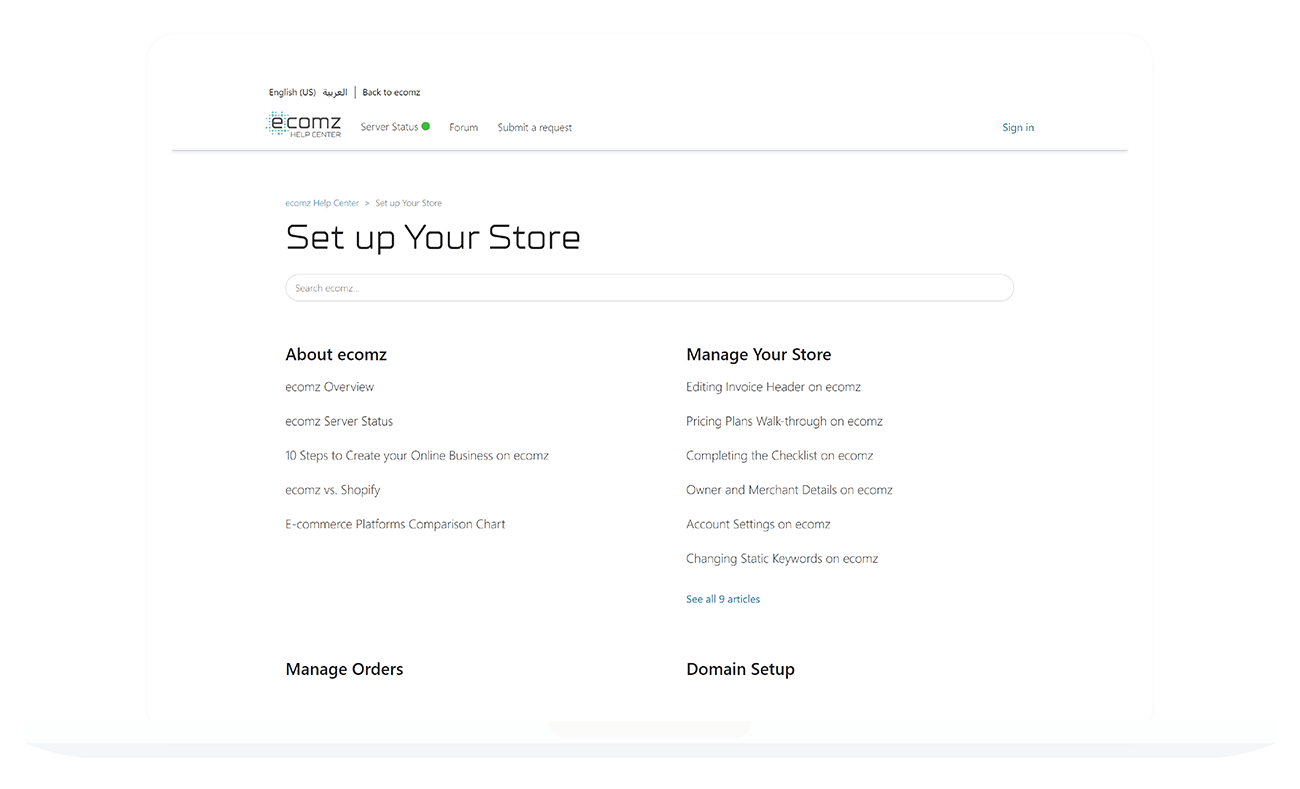
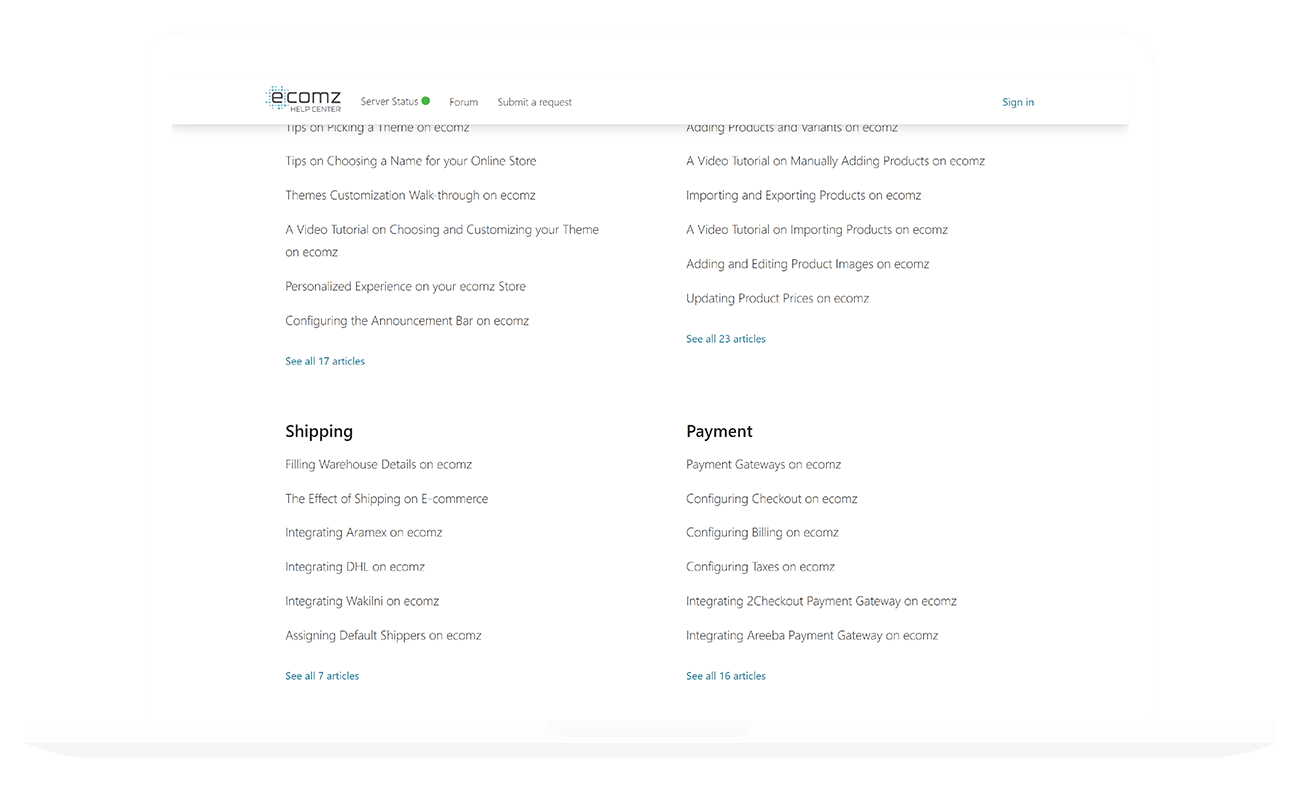
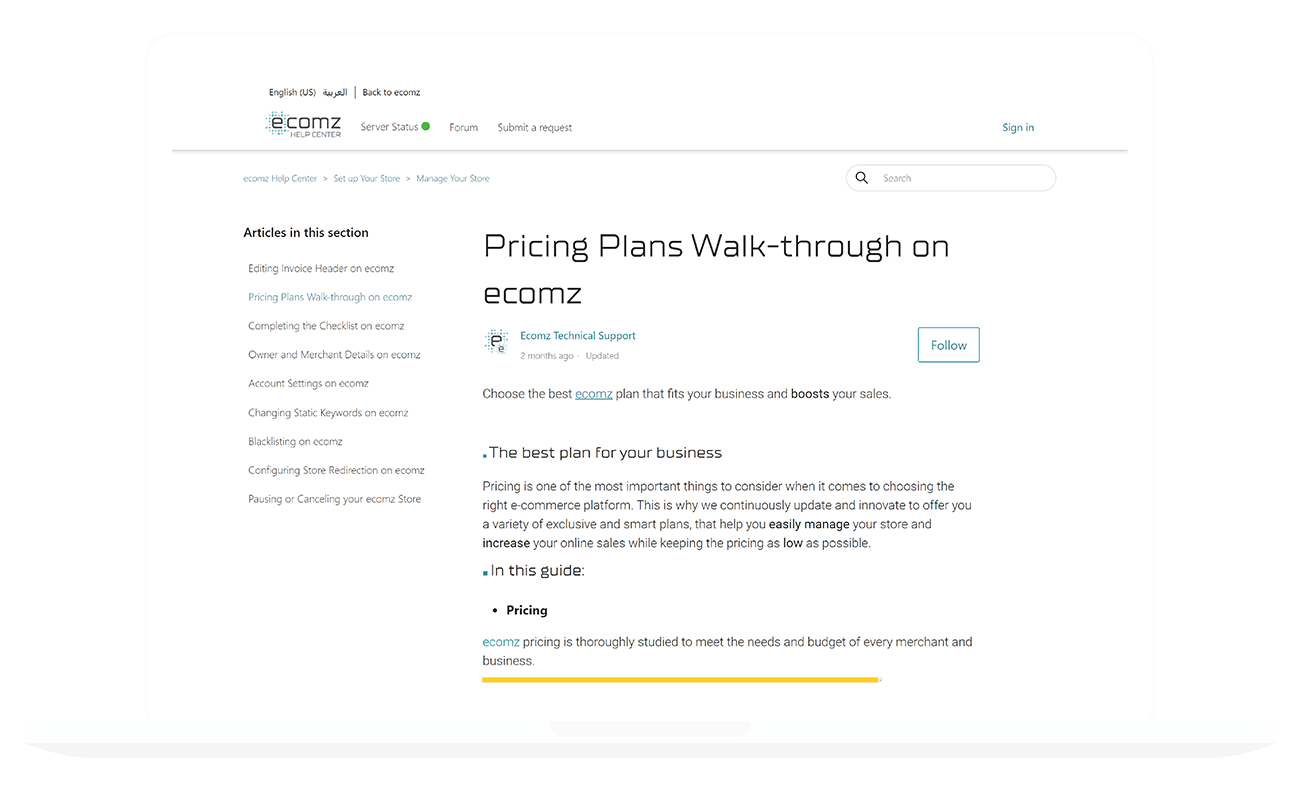
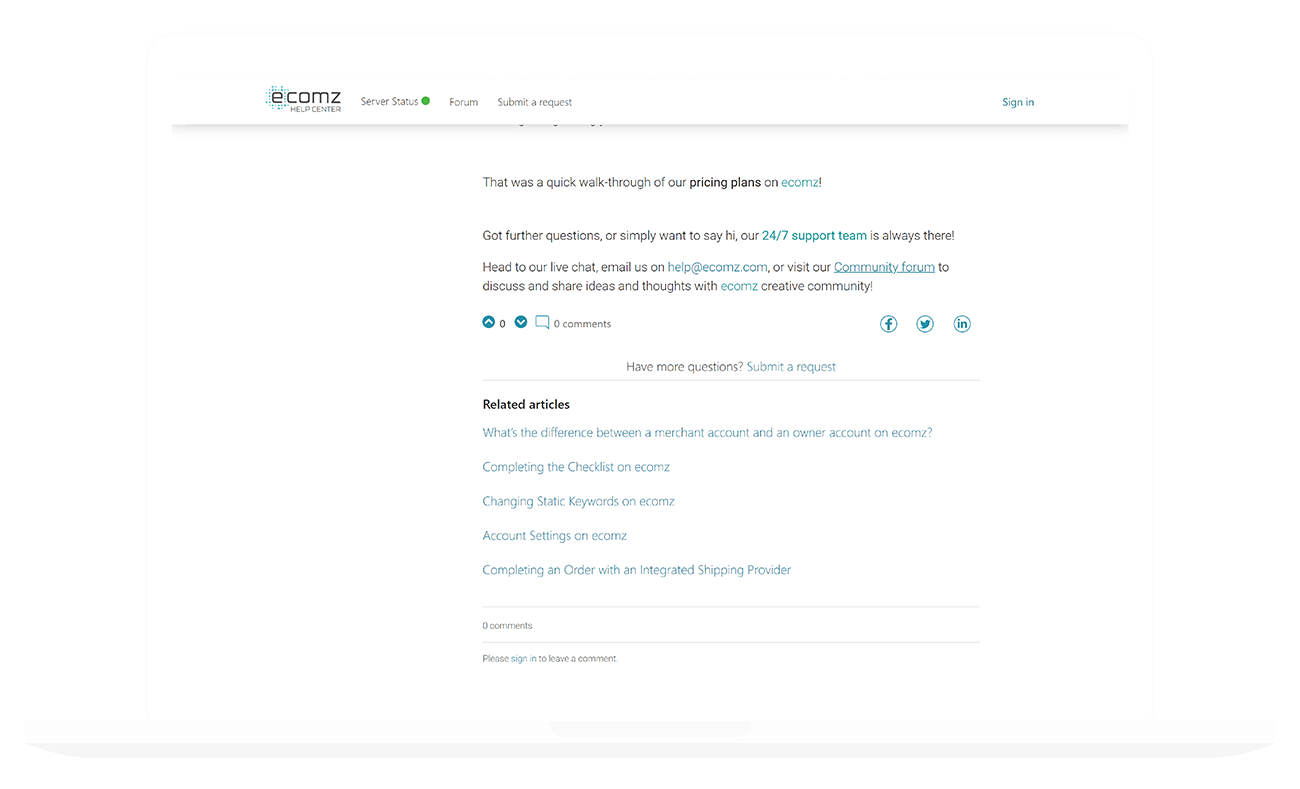
Category and Article Pages
Structured pages with dynamic content features to display related articles and excerpts, enhancing discovery.
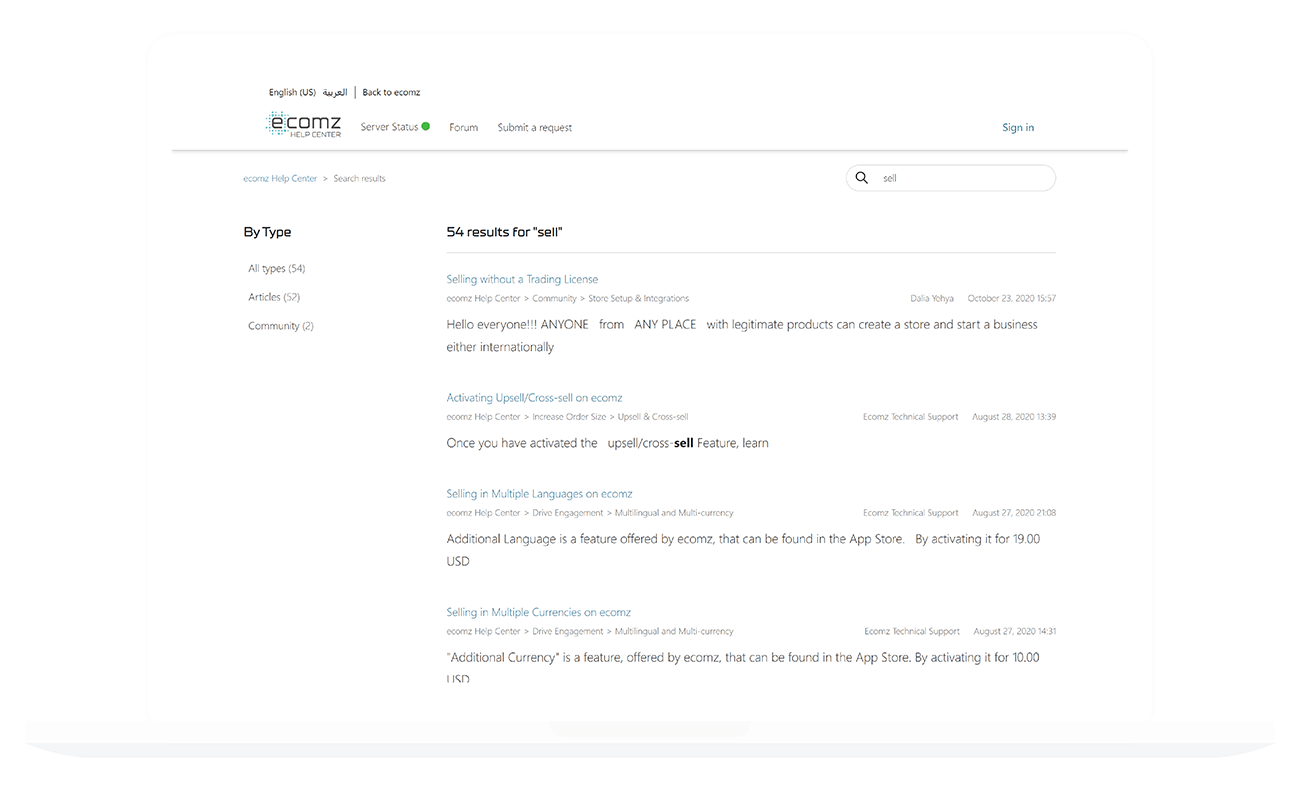
Community and Search Integration
New community questions are converted into articles to expand content. The search page prioritizes user-generated queries.
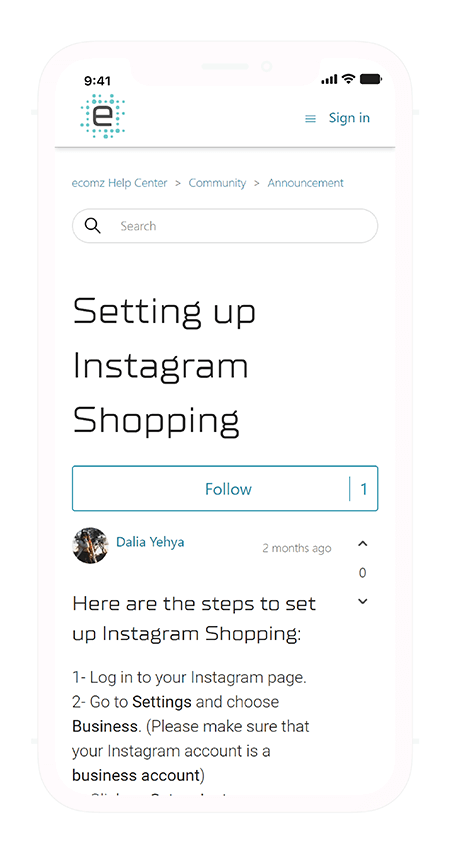
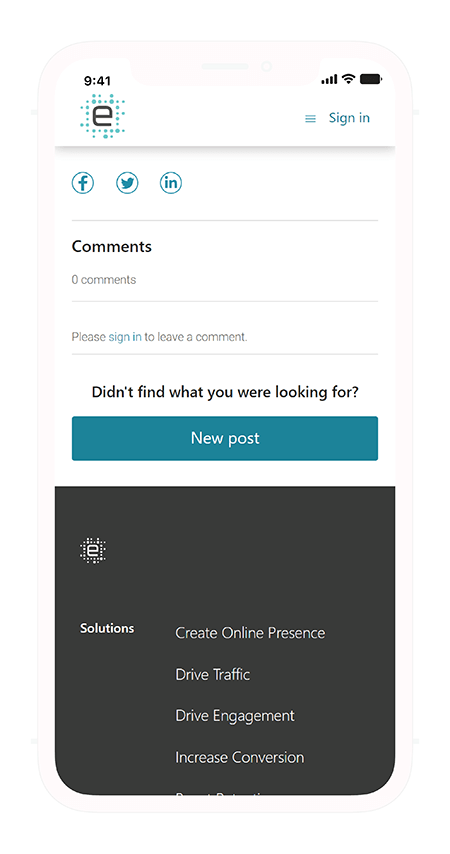
Community Board Interaction
Looking for similar results?
Let's discuss how I can help you achieve your goals.
Let's move your product forward
Have a product, UX, or team challenge? Let's talk. I work with founders, product leads, and startups across Dubai and beyond to help solve tough problems and accelerate growth.
Use the form to get in touch. I typically reply within 1-2 business days. All messages are confidential.