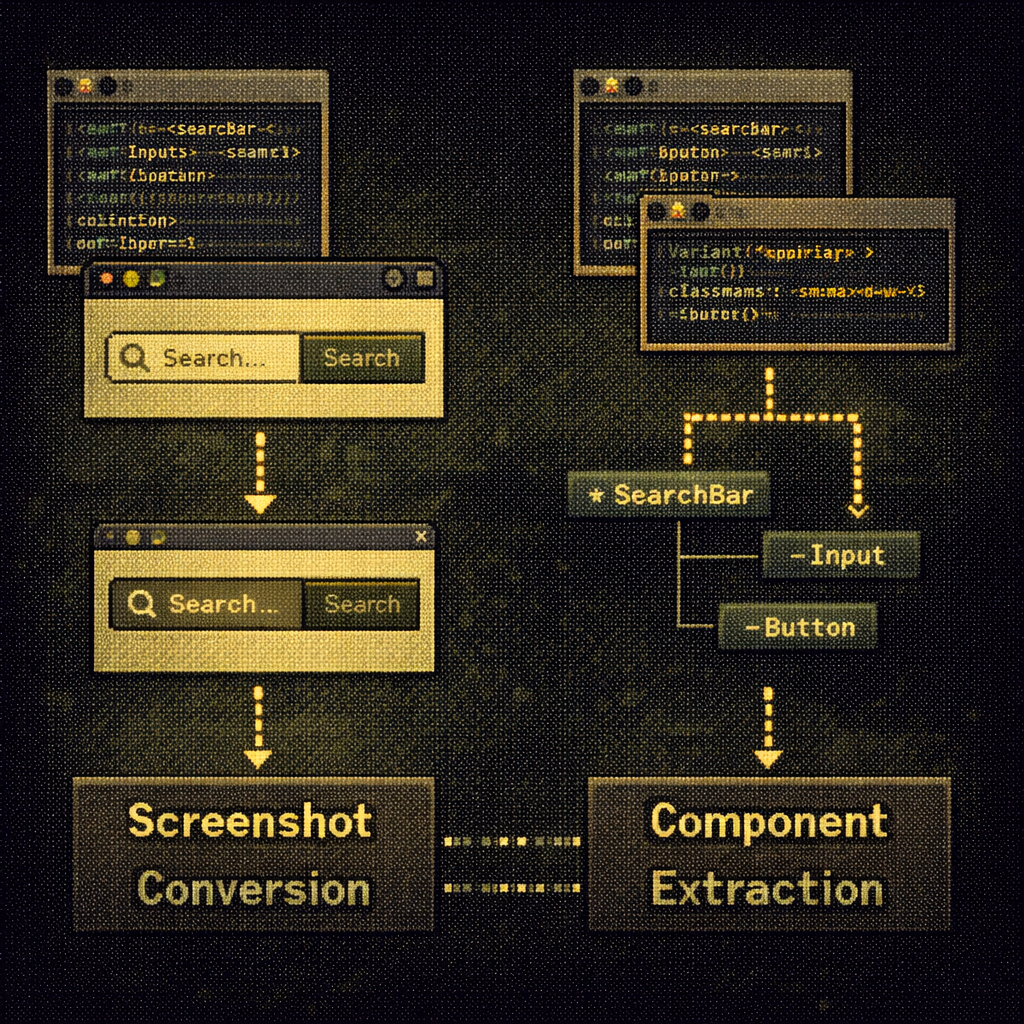
Figma fancy screenshots vs Olives structural extraction
-
 Moe Hachem
 - February 18, 2026
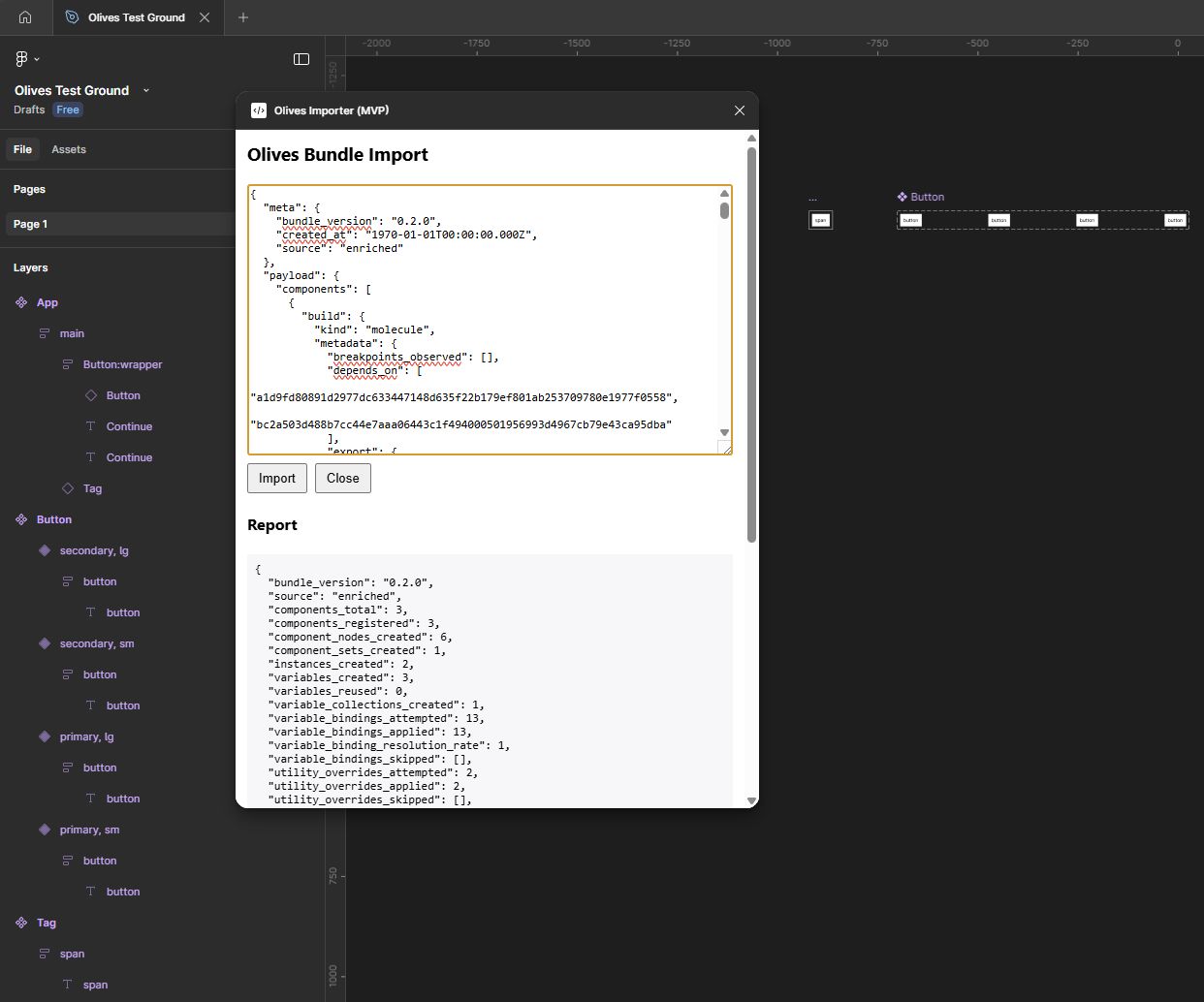
Figma just announced they can turn your code into fancy screenshots. Meanwhile, I’ve been working on Olives - a tool that actually extracts component architecture.
Figma essentially reannounced a smart screenshot tool that already existed in Make, now ported to Claude Code.
It’s useful for quick visual iteration, but it doesn’t solve the structural problem.
What Figma’s tool does: Captures what you see on screen → converts to flat Figma frames
What it doesn’t preserve:
- Component architecture (SearchBar containing Button + Input becomes disconnected shapes)
- Variant definitions (no way to know Button has variant=“primary” or a loading state)
- Instance overrides (can’t tell this Input has className=“sm:max-w-xs” applied at the usage site)
- Design tokens (doesn’t know which Tailwind classes or CSS variables are being used)
- Atomic hierarchy (can’t distinguish atoms from molecules)
The fundamental gap: Rendered pixels vs. component structure.
Their approach works for visual iteration. It doesn’t work for maintaining a design system. The moment your code changes, the Figma file is orphaned. No component graph, no nested instances, just shapes.
And sure, you could say “use Figma MCP” - but the solution should be simpler than that.
What Olives does differently
It extracts the actual component system from code with full structural fidelity:
- Component registry with dependency graph (atoms → molecules → organisms)
- Variant axes and state detection (isLoading, disabled, hover)
- Instance-level props and overrides (
<Button variant="primary" className="p-8">) - Slot bindings and icon usage
- Token surface mapping (which components use which classes/variables)
- Evidence for every extracted fact (file path + character range + code snippet)
Then reconstructs it in Figma as proper nested components with variants, not flattened frames.
The output is a schema-validated bundle that tells the Figma plugin (Tapenade) exactly how to rebuild the component: which component to instance, which variants to set, which overrides to apply, which slots contain what content.
Why this matters: One gives you pixels to iterate on. The other gives you the design system to maintain.
Figma’s tool is convenient, but Olives is structural.
The methodology
Built over this past week using SR-SI (the AI memory approach I published last year). The AI agent building it reported 30-45% efficiency gains and 40-60% scaling with codebase size. Progressive savings that scale with complexity.
The system that helps AI maintain context across thousands of prompts also kept the AI oriented across 100+ build iterations while extracting component graphs from code.
It’s still early. The hard part is done - now, it’s fine-tuning the behavior in Figma before sharing publicly.
But the contrast with Figma’s announcement makes the value clear: fancy screenshots vs design system.